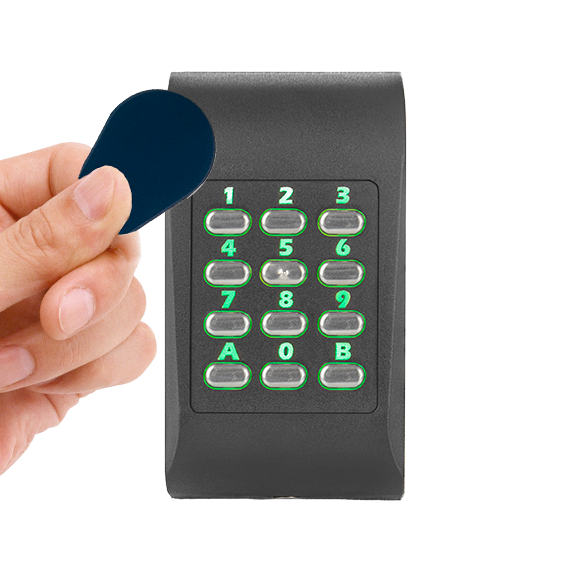
Product Manager
Configuration software
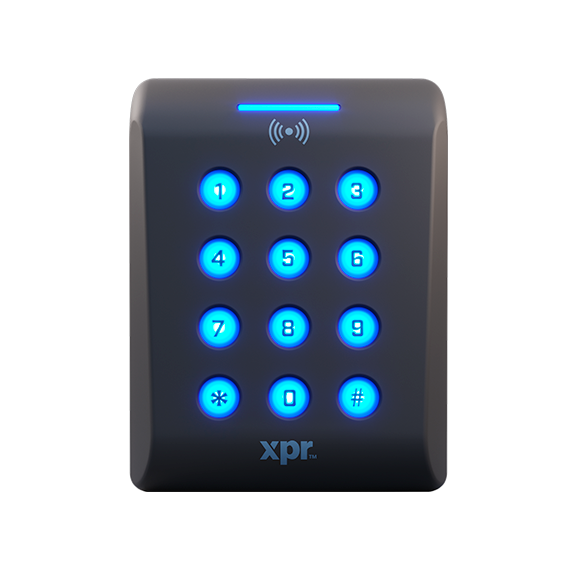
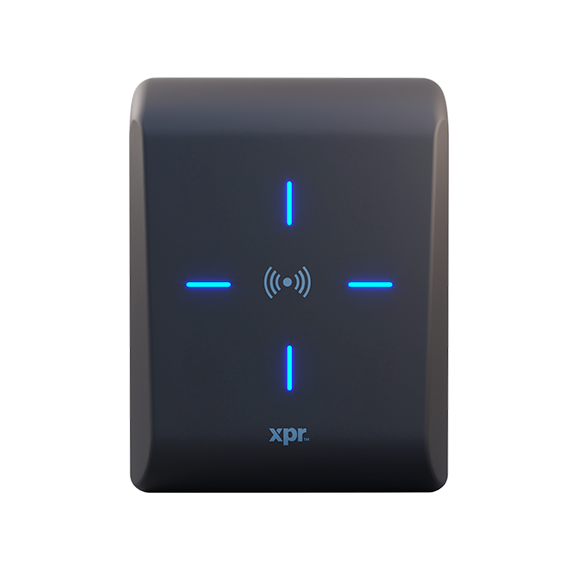
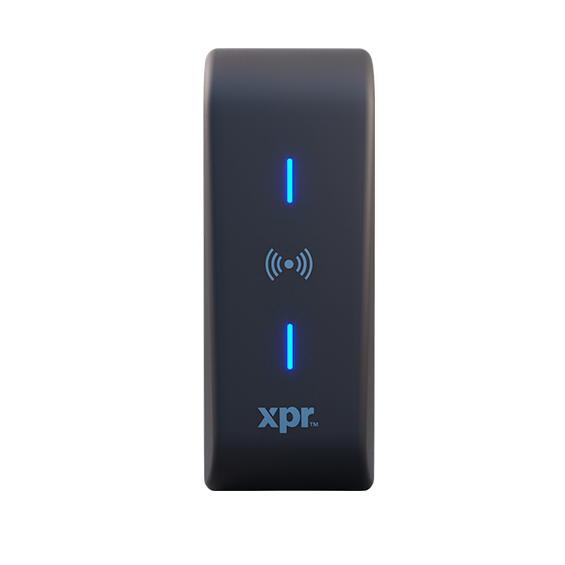
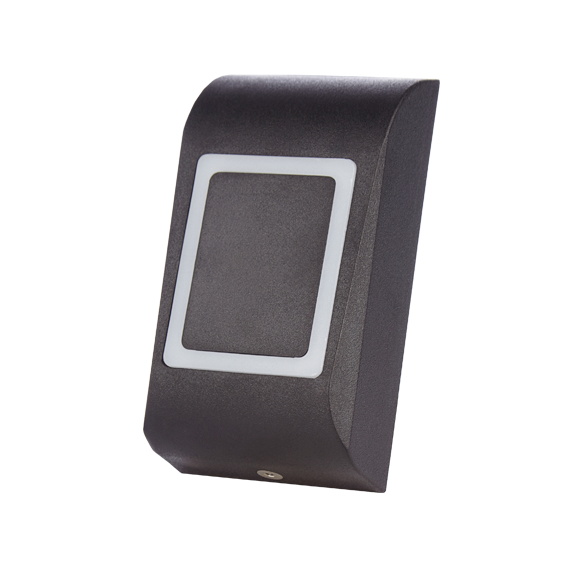
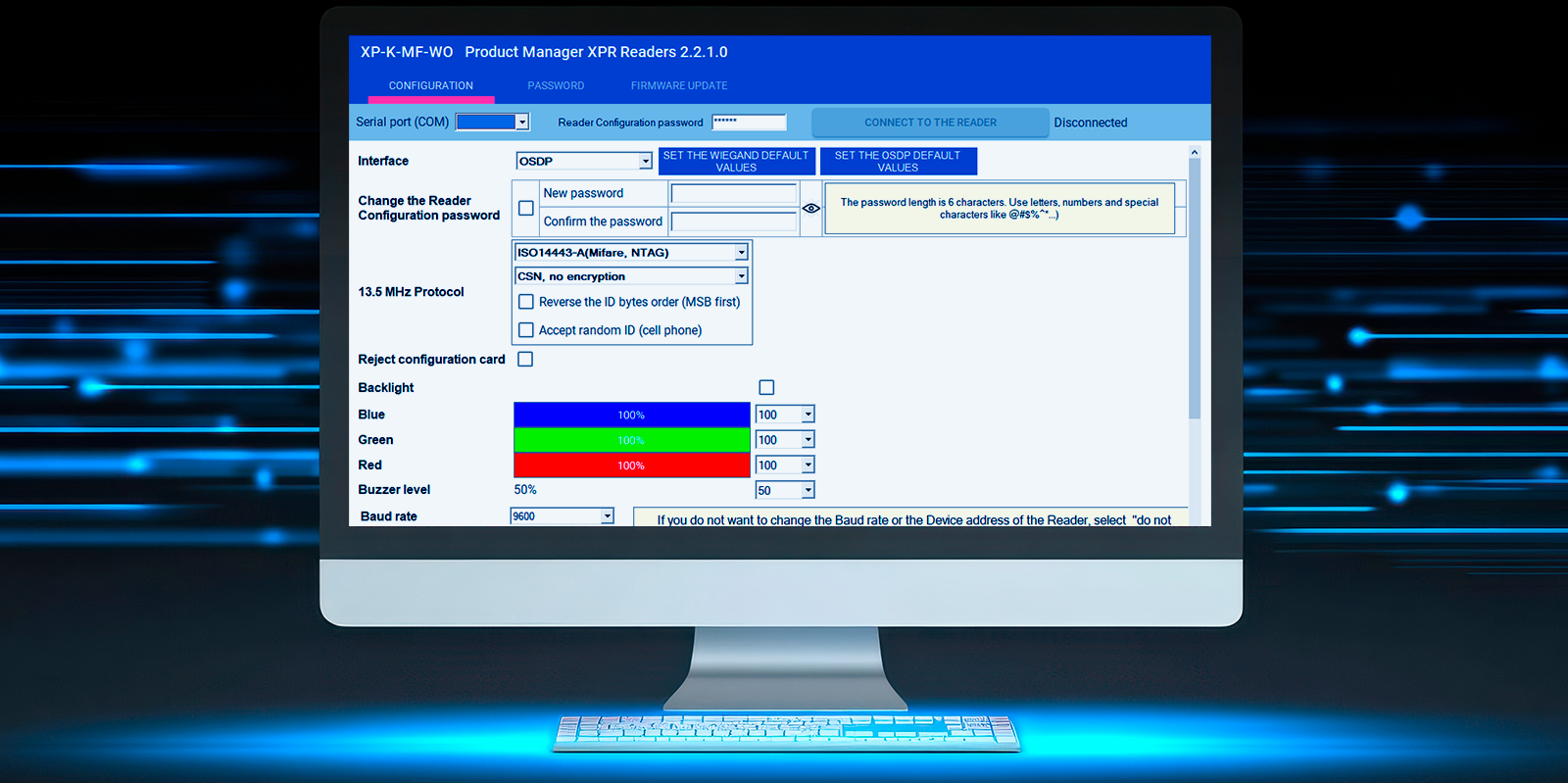
With its intuitive design, this configuration solution ensures optimal compatibility with our Xpro and Xsmart readers while providing a smooth user interface.
You may upgrade firmware, manage device passwords, generate programming cards for readers, customise the devices, create encrypted user cards, configure custom encryption, and save or load configuration files.
 Settings
You can configure your XPR reader(s) to your preference, including the protocol, technology, card types, etc., once the reader is connected. Applying particular settings is also possible, including OSDP, Wiegand, Templates, and Password.
Firmware update
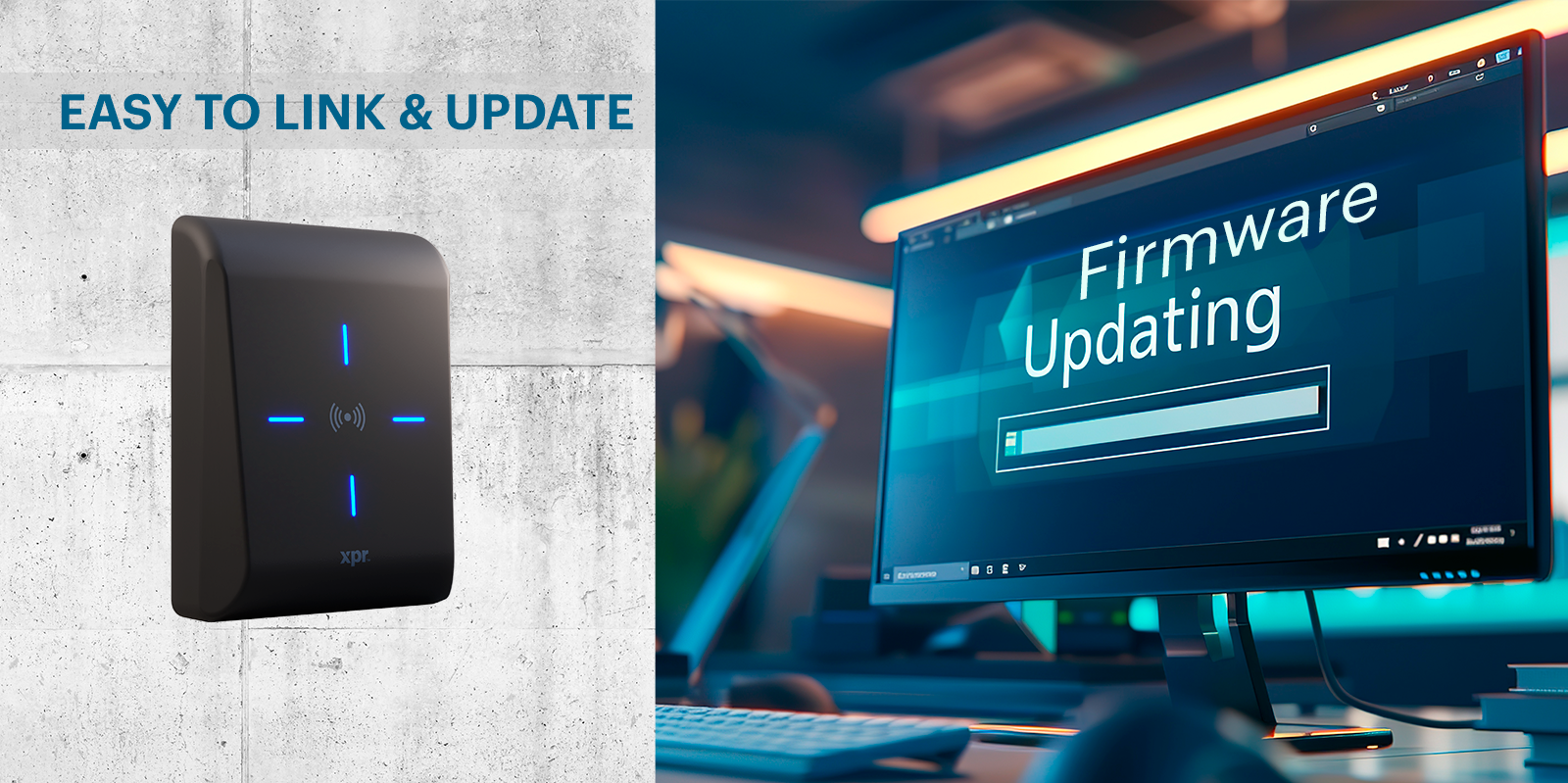
Once your reader has been linked to the computer, you can install the most recent firmware by checking its availability on the computer and following a few easy steps.
General features
- Operating system: Windows 7 and above
- PC requirements: Free USB port, 10 MB free space
- Accessories: PROX-USB-X for creating configuration cards and encrypted user cards
- Interface languages: English, French, Spanish, German, Italian, Dutch, Portuguese
- Supported devices: Xpro and Xsmart ranges
Downloads
Product Manager_Data Sheet_ve 1.02_EN